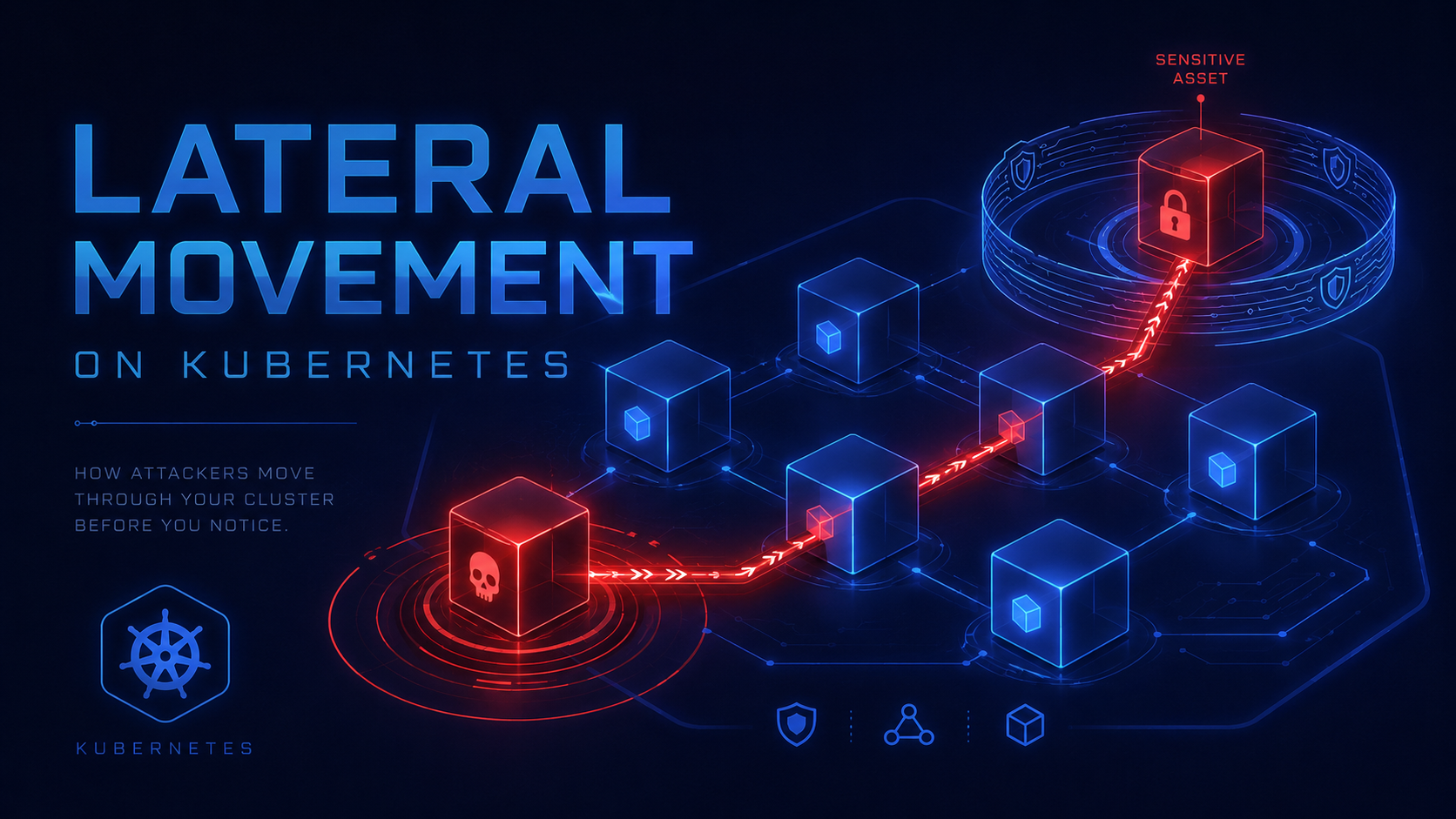
Why Lateral Movement Works in Kubernetes
The uncomfortable truth: Kubernetes networking is permissive by default. A pod can usually talk to every other pod, every ClusterIP service, CoreDNS, and the Kubernetes API server. That model is excellent for distributed systems. It is also excellent for an attacker who has landed inside one container.
This is not a CVE. It is worse than a CVE. It is intended behavior that becomes exploitable when platform teams do not define trust boundaries.
The attacker does not need cluster-admin on step one. They need execution inside one workload. After that, the cluster itself provides the reconnaissance surface: DNS names, service routes, exposed ports, mounted tokens, metadata endpoints, and predictable internal naming.
Threat Model: What the Attacker Actually Does
Assume the attacker has command execution inside one low-value pod: a vulnerable web app, exposed debug endpoint, poisoned image, CI runner, SSRF primitive, or leaked kubeconfig. The workload runs as non-root. The container does not have Docker socket access. That still does not make it safe.
The attacker moves by abusing what the cluster already trusts: service-to-service connectivity, internal service names, service account bindings, and missing egress controls. No noisy kernel exploit is required.
The Kill Chain
Step 1 — Confirm API server reachability
# From inside a compromised pod
curl -sk https://kubernetes.default.svc.cluster.local/version
nslookup kubernetes.default.svc.cluster.local
If this returns the API server version, the pod can reach the control plane endpoint. That is normal. It also means the attacker can test the mounted token.
Step 2 — Inspect the mounted identity
SA_DIR=/var/run/secrets/kubernetes.io/serviceaccount
cat $SA_DIR/namespace
TOKEN=$(cat $SA_DIR/token)
curl -sk -H "Authorization: Bearer $TOKEN" \
  https://kubernetes.default.svc/api/v1/namespaces/$(cat $SA_DIR/namespace)/pods
If the response lists pods, services, secrets, configmaps, or jobs, the attacker has a live cluster identity. If it returns forbidden, the attacker still has network reachability and DNS recon.
Step 3 — Map internal services
# DNS brute force from the pod
for ns in default prod staging monitoring kube-system; do
  for svc in api backend redis postgres mysql vault grafana prometheus; do
    nslookup ${svc}.${ns}.svc.cluster.local 2>/dev/null | grep -q Address && \
      echo "FOUND ${svc}.${ns}.svc.cluster.local"
  done
done
Step 4 — Probe sensitive workloads
for target in \
  vault.security.svc.cluster.local:8200 \
  prometheus.monitoring.svc.cluster.local:9090 \
  grafana.monitoring.svc.cluster.local:3000 \
  redis.cache.svc.cluster.local:6379; do
  timeout 2 bash -c "cat < /dev/null > /dev/tcp/${target/:/ }" 2>/dev/null && echo "OPEN $target"
done
Default-deny egress should make this boring. In many clusters, it lights up internal services that were never meant to face an untrusted workload.
What the Attacker Enumerates
| Target | Why it matters | Defensive failure |
|---|---|---|
| ServiceAccount token | Authenticated API identity | automountServiceAccountToken: true everywhere |
| Services and endpoints | Internal routing map | No NetworkPolicy default deny |
| ConfigMaps | URLs, feature flags, internal hostnames | Overbroad read RBAC |
| Secrets | Database passwords, cloud credentials | ClusterRoleBinding to app identities |
| Metrics stack | Environment leakage, service topology | Monitoring exposed inside cluster |
| CI/CD runners | Path to source, registry, deployment tokens | Runner pod allowed broad egress |
The highest-risk targets are not always production databases. CI runners, internal admin panels, monitoring stacks, and service mesh control planes often provide better pivot value.
Detection Commands and Queries
You detect lateral movement by looking for behavior that normal app pods should not perform: service discovery bursts, API probing, unusual DNS lookups, pod-to-pod scans, and connections into namespaces the workload has no business touching.
kubectl get pods -A -o json | jq -r '
  .items[] |
  select(.spec.automountServiceAccountToken != false) |
[.metadata.namespace,.metadata.name,.spec.serviceAccountName] | @tsv'kubectl get clusterrole,role -A -o yaml | grep -E "resources:|verbs:|secrets|pods/exec|impersonate|bind|escalate" -nkubectl auth can-i list secrets \
--as=system:serviceaccount:<namespace>:<serviceaccount> \
-n <namespace>for ns in $(kubectl get ns -o jsonpath='{.items[*].metadata.name}'); do
count=$(kubectl get networkpolicy -n "$ns" --no-headers 2>/dev/null | wc -l)
[ "$count" -eq 0 ] && echo "NO NETWORKPOLICY: $ns"
doneHardening: Break the Movement Path
The goal is not to make compromise impossible. The goal is to make one compromised pod stay one compromised pod.
1. Start with default deny ingress and egress
apiVersion: networking.k8s.io/v1
kind: NetworkPolicy
metadata:
  name: default-deny-all
  namespace: production
spec:
  podSelector: {}
  policyTypes:
    - Ingress
    - Egress
2. Allow only required frontend to backend flow
apiVersion: networking.k8s.io/v1
kind: NetworkPolicy
metadata:
  name: allow-frontend-to-api
  namespace: production
spec:
  podSelector:
    matchLabels:
      app: api
  policyTypes: [Ingress]
  ingress:
    - from:
        - podSelector:
            matchLabels:
              app: frontend
      ports:
        - protocol: TCP
          port: 8080
3. Permit DNS, then nothing else by default
apiVersion: networking.k8s.io/v1
kind: NetworkPolicy
metadata:
  name: allow-dns-egress
  namespace: production
spec:
  podSelector: {}
  policyTypes: [Egress]
  egress:
    - to:
        - namespaceSelector:
            matchLabels:
              kubernetes.io/metadata.name: kube-system
          podSelector:
            matchLabels:
              k8s-app: kube-dns
      ports:
        - protocol: UDP
          port: 53
        - protocol: TCP
          port: 53
4. Disable service account tokens by default
apiVersion: v1
kind: ServiceAccount
metadata:
  name: app-sa
  namespace: production
automountServiceAccountToken: false
---
apiVersion: apps/v1
kind: Deployment
spec:
  template:
    spec:
      automountServiceAccountToken: false
      serviceAccountName: app-sa
5. Scope RBAC to the exact workload need
# Bad: application identity can read all secrets
kubectl auth can-i list secrets \
  --as=system:serviceaccount:production:app-sa -A

# Expected answer for most app pods: no
Do not bind app identities to broad ClusterRoles. Avoid wildcard verbs and wildcard resources. Never grant pods/exec, secrets, impersonate, bind, or escalate to runtime workloads unless you can defend the blast radius.
Red Team Validation Checklist
| Control | Test | Expected result |
|---|---|---|
| Default deny | Probe random service from app pod | Timeout |
| DNS-only egress | Resolve services, then connect to them | DNS works, traffic blocked |
| Token hardening | Read service account token path | File missing for apps that do not need API |
| RBAC minimum | kubectl auth can-i list secrets | No |
| Runtime controls | Run nslookup, curl, API probe from an app pod | Blocked, logged, or justified by exception |
| Namespace isolation | Connect from dev namespace to prod service | Timeout |
Final Word
Riad DAHMANI — k8sec Security Research
Explore k8sec Platform